

General Organization for Sending Printing Files Online
Create Easy Workflow While Sending Files To Our Secure Printing Server
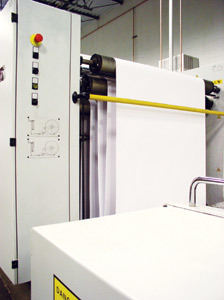 Below are a few things to keep in mind while sending files to our online printing server. These simple reminders will ensure the process goes smoothly and the files don’t get cluttered. Creating professional quality prints with simplest workflow is what Ries Graphics aims for.
Printed Hard Copy Needed
Be sure to provide clean laser/ink jet proofs of the latest version of your page layout files with the output percentage clearly indicated. This helps us in the quality control process.
Page Orientation
Be sure your file is centered on the page for electronic imposition. Not only does the proper page orientation give you the print you want, but it helps us create less waste paper.
Keep Your Disks and Files Uncluttered
When preparing your files for FTP or copying your job to disk for output, be as complete as possible, but don't copy unnecessary files (especially if any file names are similar to the ones actually being used). On a related note, be sure to delete any unnecessary elements from your file, including extraneous colors or patterns, text and/or picture boxes on the pasteboard, etc. — they can bloat file sizes and cause longer processing times.